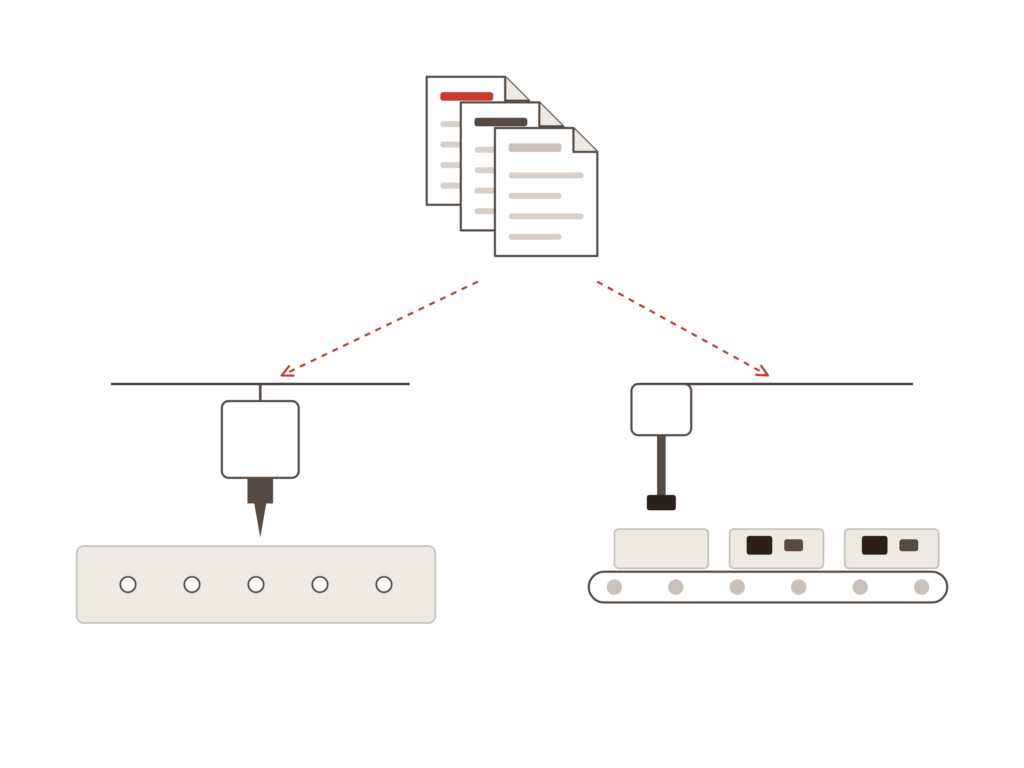
The complete production package, including assembly
VisualCAM is the full CAM solution from WISE. It checks design data against more than 75 design and manufacturing rules and prepares it for both the shop floor and the assembly line — whether in the design department before release or in production afterward.
Data for shop floor and assembly is prepared separately
Errors in design data are only discovered during production
Component data is missing when only Gerber files are sent
Support responses that take days
The solution
We give you control back
Bare board and assembly prepared from the same data
Over 75 design and DFM checks before production starts
Component information recreated directly from Gerber data
Local hotline with responses from a specialist on the same day
HOW IT WORKS
One workflow from import to output
Import
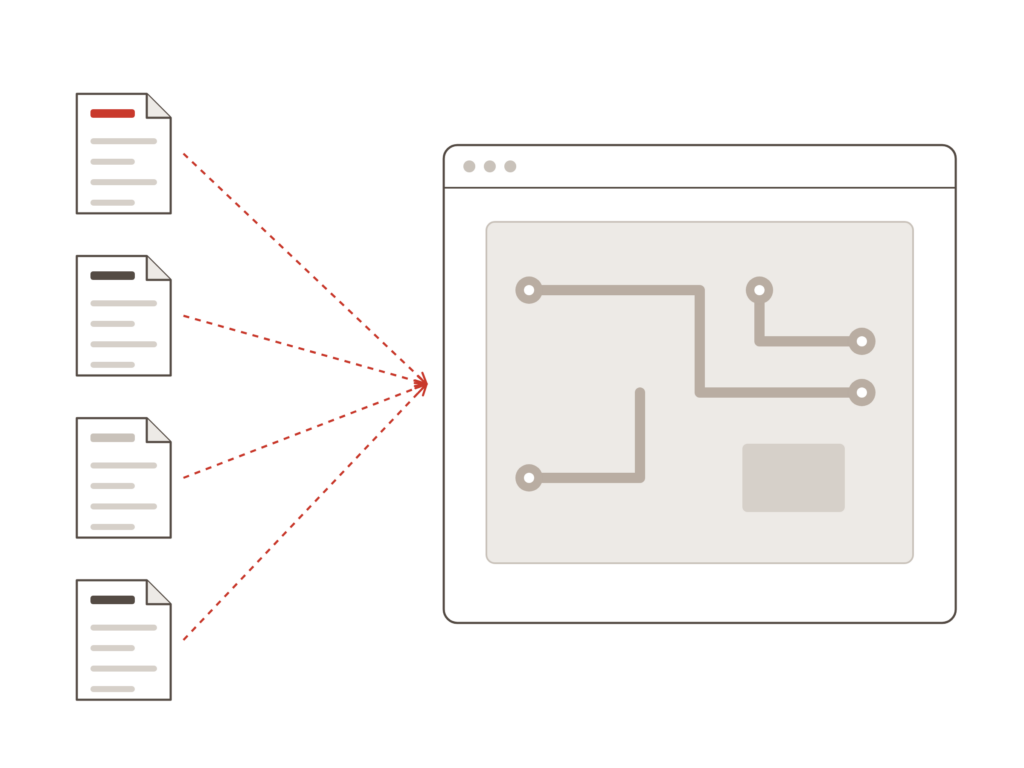
Design data in 12 formats, with all layers intact. Regardless of which tool it originates from.
Check
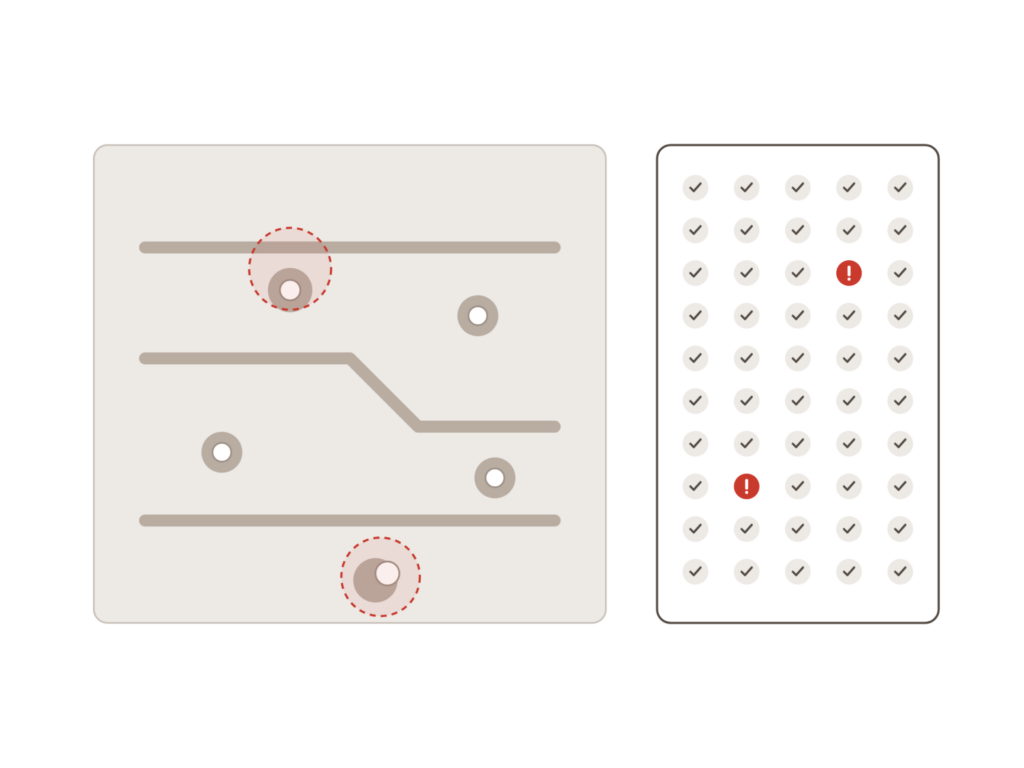
Over 75 checks covering both design rules and manufacturability, from copper spacing to drill clearance and annular ring.
Prepare and pass on
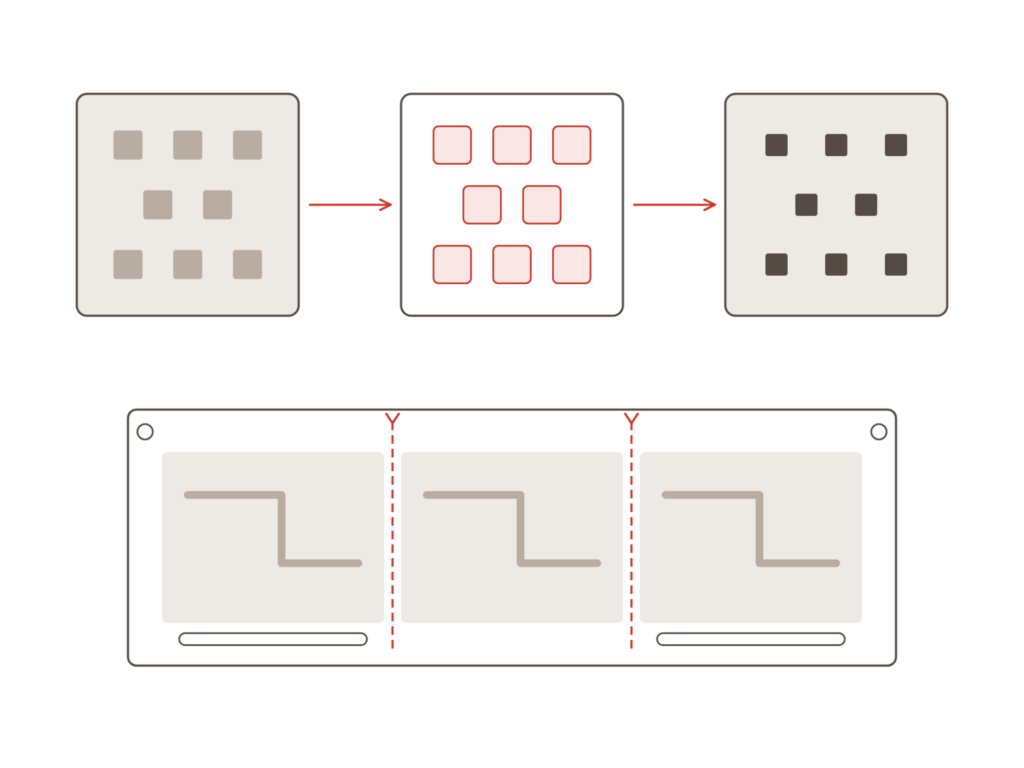
Masks, panels, drilling, and routing prepared, with output generated in the format required by the shop floor and assembly line.
Value
VisualCAM covers everything from bare board to assembly
The same platform as GerbTool, with the capabilities needed when you are responsible for preparing data for production.
Import and viewing
Data rarely arrives in a single format. Every format must be readable without anything being lost along the way.
12 data formatsFrom one place, with all layers intact
Gerber, Excellon, ODB++, and IPC-2581The formats customers actually send
Consistent viewingThe same workflow regardless of source
DRC and DFM
A design can be correct and still be expensive to manufacture. The checks identify both aspects.
Over 75 checksDesign rules and manufacturability
Copper and drill clearancesChecked against the actual data
Annular ringEnsuring the hole reliably hits the pad
Bare board
Once data is verified, it must be prepared for the shop floor.
Automatic solder mask and paste maskGenerated directly from the copper layers
Panelization with multiple boardsStep-and-repeat and fiducials
Drilling and routingExcellon, V-score, and slots
Assembly
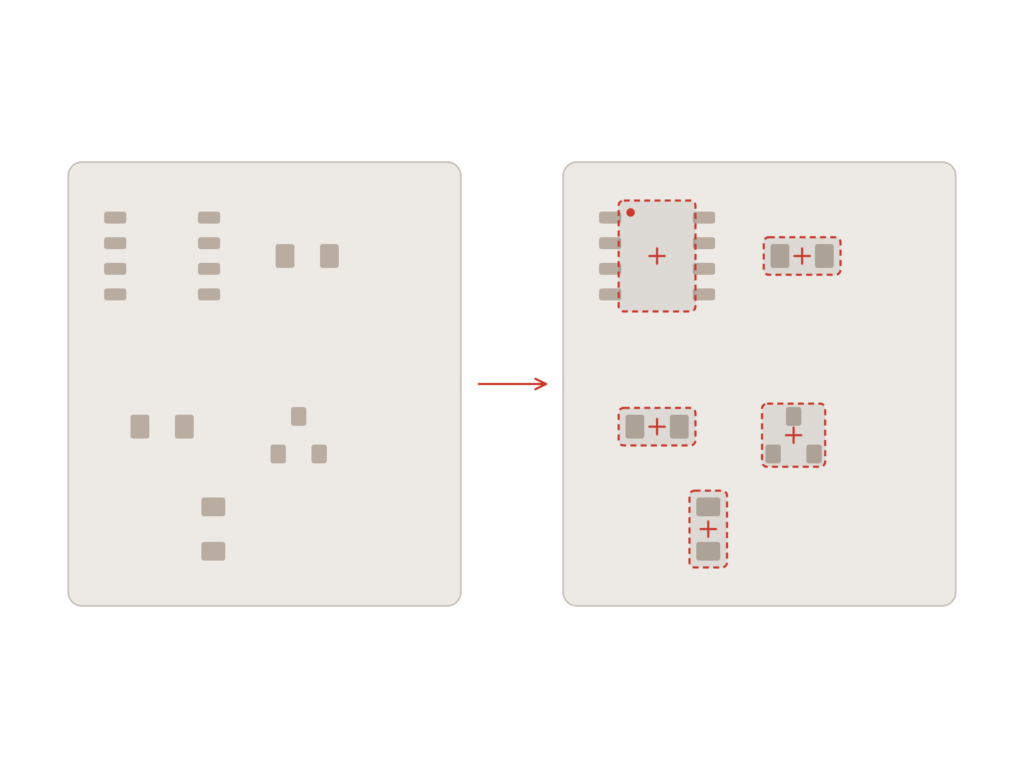
Assembly requires component data, and it is not always included.
Component information from Gerber dataFootprints recreated using multiple automated methods
Data for assembly programmingFrom board to assembly line
Paste mask for stencilReady for the assembly process
Output
The final stage is delivering data in the exact format required by the next step in production.
Gerber, ODB++, and IPC-2581The formats requested by the shop floor
Drill and rout dataReady for the machine
Consistent data across stagesBare board and assembly from the same source
Implementation
How GerbTool works in practice
1. The right edition from the start
Do you only need to view and comment on files, or do you also need to edit and panelize? We help you select the edition that matches your specific task, ensuring you do not pay for more than you use.
2. Checks adapted to your PCB partner
PCB manufacturers have varying requirements for clearances, drill sizes, and masks. We show you how to configure the checks according to the exact specifications your partner works with.
3. Local expertise and continuous support
You gain access to specialists who understand both the design and production sides. A question about a file error receives a concrete answer before it needs to be sent.
Ready?
Ready to design with peace of mind?
A short conversation is usually enough to determine which edition of GerbTool fits your needs. No pitch. No pressure. Just an open discussion about how your production data is generated today.
The design tool's DRC checks the design within the design database. GerbTool checks the files generated from it, which are the files production actually receives. Errors can occur during the export process itself, and the DFM checks are built around manufacturability, not just design rules.
GerbTool is available in four editions: Viewer for visualization, Communicator for format conversion and collaboration, Inspector for DRC and DFM, and Designer for editing and panelization. Most design departments need Inspector. If you also need to modify files or create panels, Designer is the right choice.
Yes. GerbTool reads standard formats such as Gerber, Excellon, ODB++, and IPC-2581, meaning it works with files from all standard ECAD tools, including non-Cadence software.
They are built on the same platform. GerbTool covers verification and preparation of production data. VisualCAM is the complete CAM solution, offering extended production checks and assembly features, such as reverse-engineering component information from Gerber data. If you handle production or assembly preparation in-house, VisualCAM is typically the right choice.
Contact us
Let us review your setup – without obligation.
A brief dialogue is often enough to clarify if Nordcad is the right choice for you. No pitch. No pressure.


 VisualCAM