
 GerbTool
See what the repair shop sees before you send it in
GerbTool reads the production data exactly as the PCB supplier receives it and identifies the errors that would otherwise result in a return request or a non-functional board.

Your entire PCB flow in one tool, from schematic to 3D layout and simulation.
Try for free for 30 daysA library the design process can rely on.
PCB designFrom schematic to layout with full control.
Simulation & analysisFind the errors before the prototype does.
Thermal Simulation and AnalysisHeat accounted for from copper to enclosure.
CFD meshing & simulationThermal and flow analysis for robust designs.
RF and Antenna DesignAt high frequencies, the copper matters.
Wireless Communication & IoTRange is decided by the final millimetres.
System-Level DesignThermal and mechanical aspects calculated in time.
PLMThe current version, in one place.
Data CenterCooling determines the capacity.
Cloud ServicesComputing power when the calculation is too large.
Your entire PCB flow in one tool, from schematic to 3D layout and simulation.
Try for free for 30 daysSpecialists who work in the tools themselves.
Nordcad Customer PortalCases, licences, and downloads gathered in one place.
Software DevelopmentIntegrations and solutions that eliminate intermediate work.
MigrationFrom your legacy PCB tool to OrCAD X.
Cadence KnowledgeCadence's knowledge base with articles and guides.
Your entire PCB flow in one tool, from schematic to 3D layout and simulation.
Try for free for 30 daysYour entire PCB flow in one tool, from schematic to 3D layout and simulation.
Try for free for 30 days GerbTool
GerbTool reads the production data exactly as the PCB supplier receives it and identifies the errors that would otherwise result in a return request or a non-functional board.
"*" indicates required fields
The challenge
The solution
HOW IT WORKS
GerbTool reads Gerber RS-274X, Excellon, ODB++, IPC-2581, and DXF files. It doesn't matter which ECAD tool the files come from.
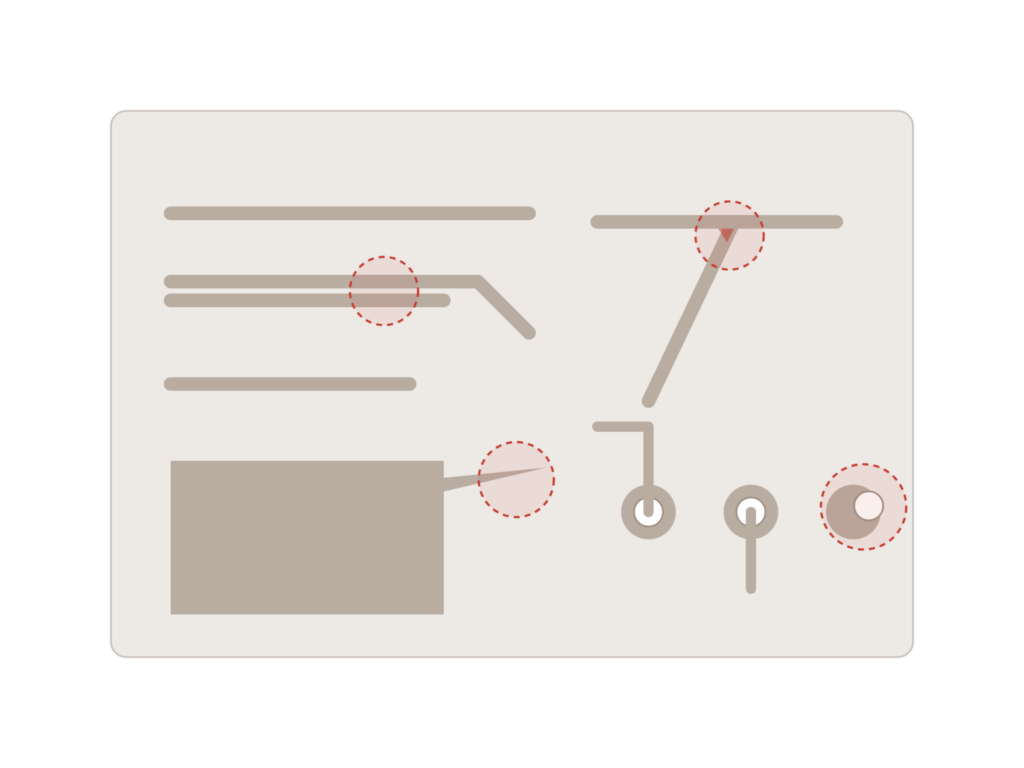
Spacing, annular rings, acid traps, copper splinters, solder bridges, and pinholes. These are the defects a PCB supplier looks for, and these are the ones GerbTool finds first.
From a basic viewer to the full version with editing and panelization. You pay for the level of functionality you need.
Value
From import and verification to editing, panelization, and documentation—all based on the data to be sent to production.
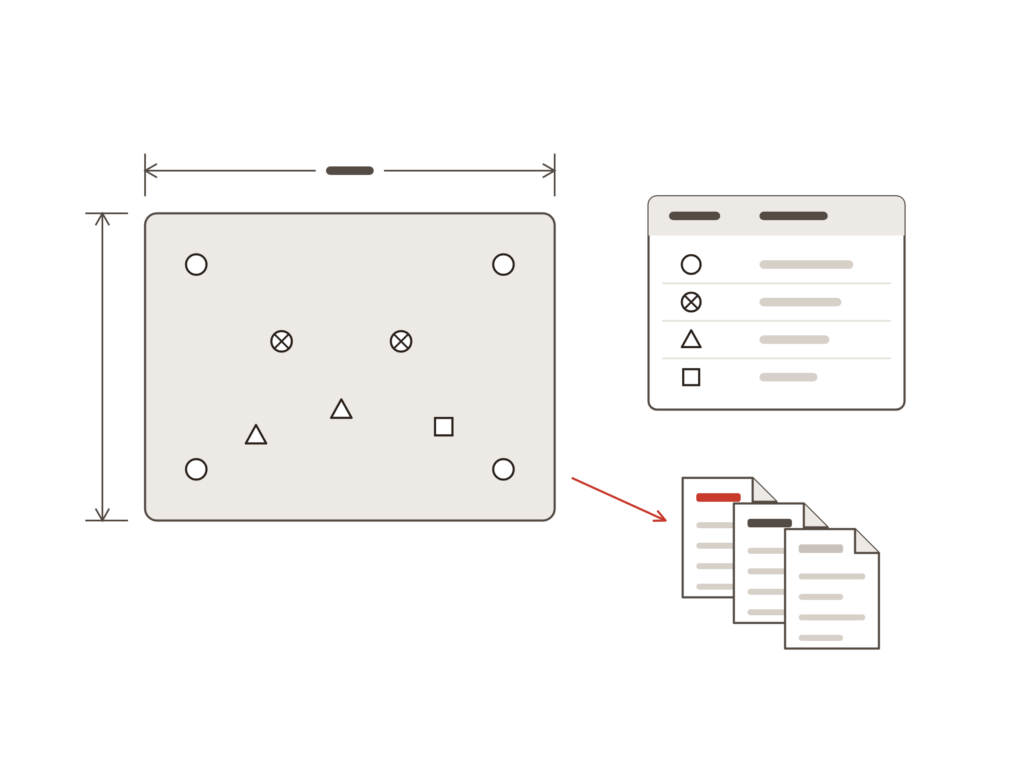
Data rarely arrives in a single format. Every format must be readable without anything being lost along the way.
A design can comply with all rules and still be difficult to manufacture. That is the difference between DRC and DFM.
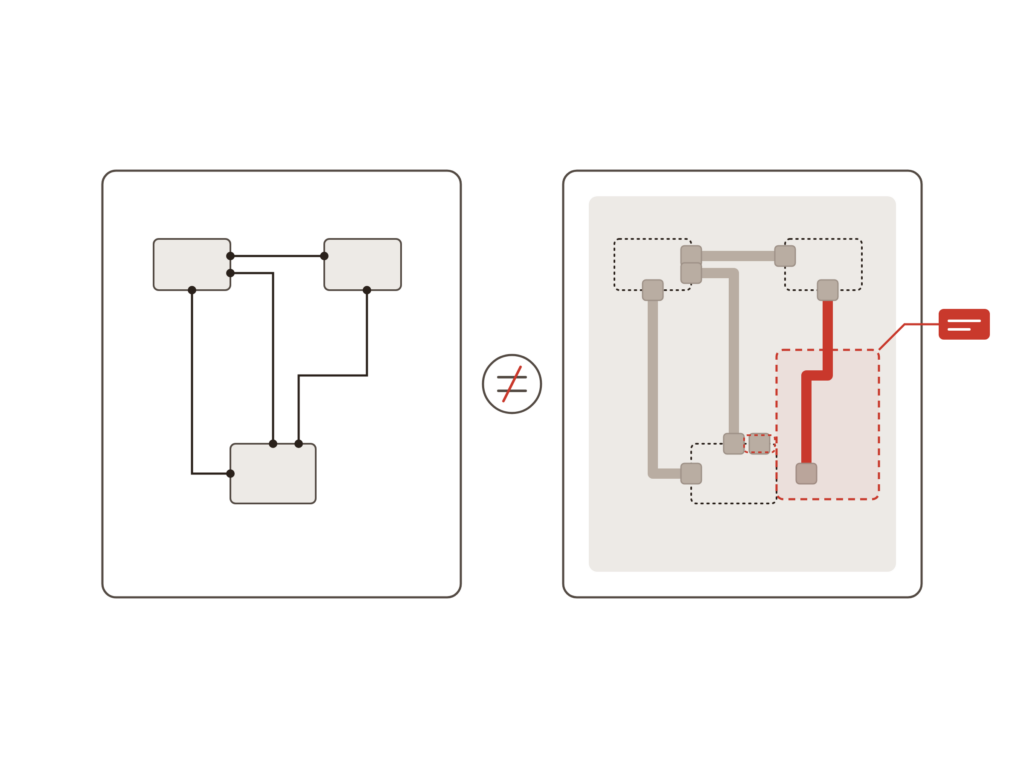
The most important check is the simplest one: Is what is being shipped the same as what was designed?
Minor corrections shouldn't require going back to the design tool.
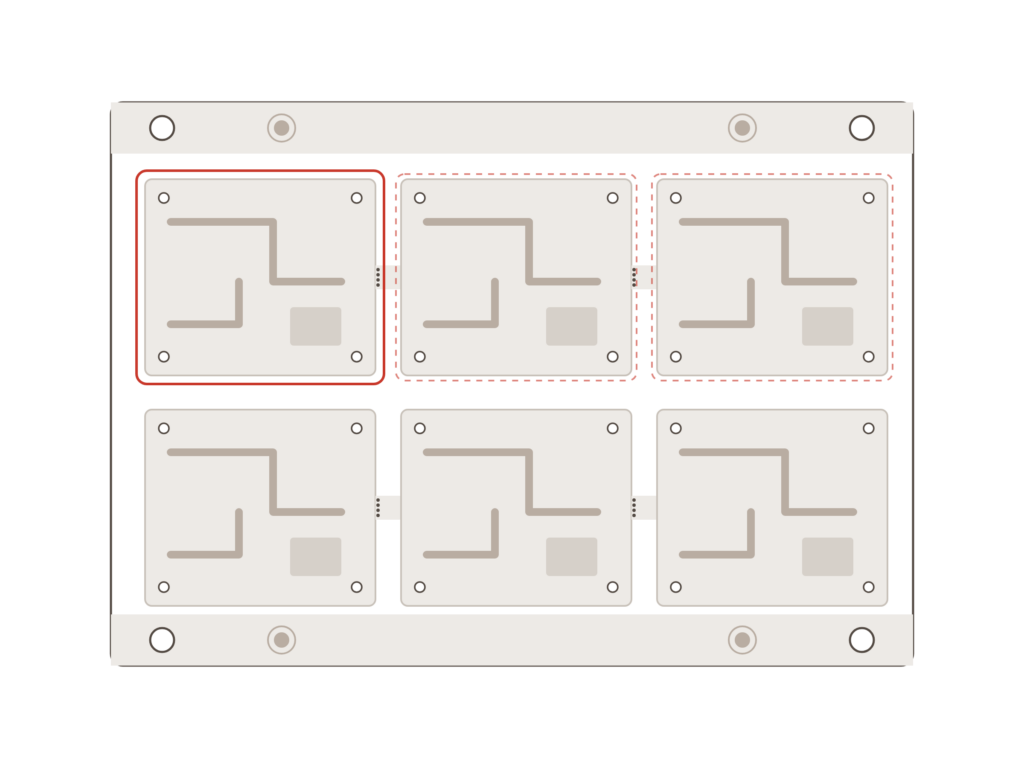
The final part of a production package is often the one that takes the longest to complete manually.
Implementation
Do you only need to view and comment on files, or do you also need to edit and panelize? We help you select the edition that matches your specific task, ensuring you do not pay for more than you use.
PCB manufacturers have varying requirements for clearances, drill sizes, and masks. We show you how to configure the checks according to the exact specifications your partner works with.
You gain access to specialists who understand both the design and production sides. A question about a file error receives a concrete answer before it needs to be sent.
Ready?
A short conversation is usually enough to determine which edition of GerbTool fits your needs. No pitch. No pressure. Just an open discussion about how your production data is generated today.
FAQ
The design tool's DRC checks the design within the design database. GerbTool checks the files generated from it, which are the files production actually receives. Errors can occur during the export process itself, and the DFM checks are built around manufacturability, not just design rules.
GerbTool is available in four editions: Viewer for visualization, Communicator for format conversion and collaboration, Inspector for DRC and DFM, and Designer for editing and panelization. Most design departments need Inspector. If you also need to modify files or create panels, Designer is the right choice.
Yes. GerbTool reads standard formats such as Gerber, Excellon, ODB++, and IPC-2581, meaning it works with files from all standard ECAD tools, including non-Cadence software.
They are built on the same platform. GerbTool covers verification and preparation of production data. VisualCAM is the complete CAM solution, offering extended production checks and assembly features, such as reverse-engineering component information from Gerber data. If you handle production or assembly preparation in-house, VisualCAM is typically the right choice.

Contact us
A brief dialogue is often enough to clarify if Nordcad is the right choice for you. No pitch. No pressure.


 15+ specialists